



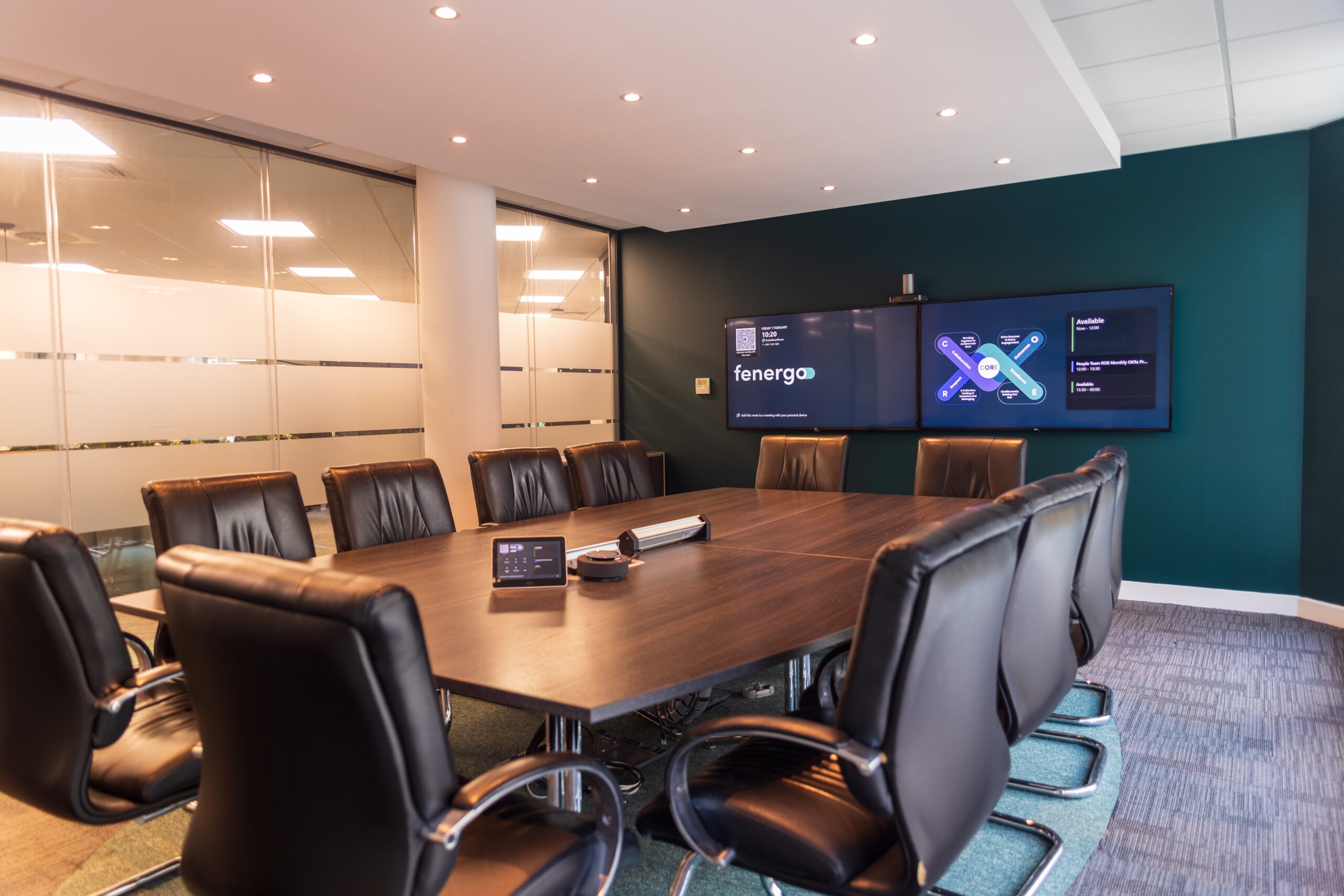
Enterprise AV infrastructure represents significant investment, yet many organisations undermine that investment through preventable mistakes. After deploying systems across hundreds of European locations, we’ve identified patterns that consistently cause problems. Here are the mistakes that cost businesses time, credibility, and money, and how to avoid them.
1. Buying equipment before understanding requirements
The most common mistake happens before any equipment is purchased: specifying technology before understanding what you’re trying to achieve. Requirements must drive technology decisions, not the other way around. How many people attend? Are remote participants always present? What content gets shared? What’s your IT team’s capability for supporting specialised equipment? For a deployment across 12 countries, we conducted detailed discovery at each location before specifying any equipment. Trying to standardise without understanding local requirements wastes budget and creates systems that don’t match usage.
2. Ignoring acoustics
Organisations consistently underinvest in acoustic treatment while overinvesting in audio equipment. They specify premium microphones, then install them in rooms with hard surfaces, glass walls, and open ceilings that create echo. Acoustic treatment should precede audio equipment specification. PET felt panels, acoustic baffles, and proper door seals address the root cause rather than compensating with better technology. Professional acoustic analysis costs relatively little compared to the total AV investment but multiplies the effectiveness of every other component.
3. Treating network infrastructure as an afterthought
Modern AV systems are network-dependent. We regularly encounter organisations that design elaborate systems without involving their IT team until installation day, then discover network drops don’t exist where equipment is located, or ports can’t provide Power over Ethernet, or firewall policies block the cloud services the system depends on. IT infrastructure planning must happen during the design phase.
4. Poor camera placement
Camera placement affects how remote participants experience the meeting. Cameras at the far end of long tables show profiles; cameras above displays force people to look up; cameras with windows behind participants create silhouettes. Cameras should be positioned at seated eye level. For larger rooms, consider dual-camera setups: one wide angle for context, one PTZ to frame the active speaker. Lighting matters enormously but is almost always overlooked.
5. Overcomplicating the user experience
Complex systems that require technical knowledge create problems: meetings delay while someone troubleshoots, users revert to laptop speakers, help desk calls increase. User interface design should assume zero technical knowledge. One button should start the meeting, turning on displays, selecting inputs, unmuting microphones, and launching the video conference. Content sharing should not require locating the correct adapter.
6. Neglecting cable management
Poor cable management creates ongoing maintenance problems and projects an unprofessional image. Professional installations include structured pathways, appropriate cable types, labelling at both ends, and protection from damage. For rooms visible to clients, messy installations signal carelessness that clients may extrapolate to your core business.
7. Skipping training and documentation
Technology only delivers value when people can use it. Effective training happens at multiple levels: simple quick-start guides for end users, maintenance documentation for facilities teams, and comprehensive technical documentation for IT support. For large deployments, training should include hands-on sessions, not just documentation.
8. Choosing price over value
Selecting installers based primarily on price rather than expertise creates problems that often cost more than the initial savings. The lowest-price installer frequently underbids by cutting corners: inadequate planning, junior technicians, minimal testing, no training. Professional installation costs more initially but delivers better long-term value.
9. Installing without planning for support and maintenance
AV systems require ongoing support: firmware updates, eventual equipment failure, user assistance, reconfiguration as cloud services change. Support planning should happen during procurement, not after issues emerge. What are the escalation paths? What response times are guaranteed? How are firmware updates managed?
10. Ignoring scalability
Business needs change. Systems designed without considering future requirements become limiting factors. Standards-based approaches provide inherent scalability: IP-based video, SIP for telephony, standard HDMI and networking mean upgrading a camera doesn’t require replacing the codec, control system, and displays.
The pattern across all these mistakes
These mistakes share a common characteristic: they all result from treating AV installation as a procurement exercise rather than as business infrastructure that requires planning, expertise, and ongoing management. Professional AV integration isn’t about buying equipment. It’s about designing systems that enhance collaboration, maintaining them over time, training users, and supporting them when issues emerge.